






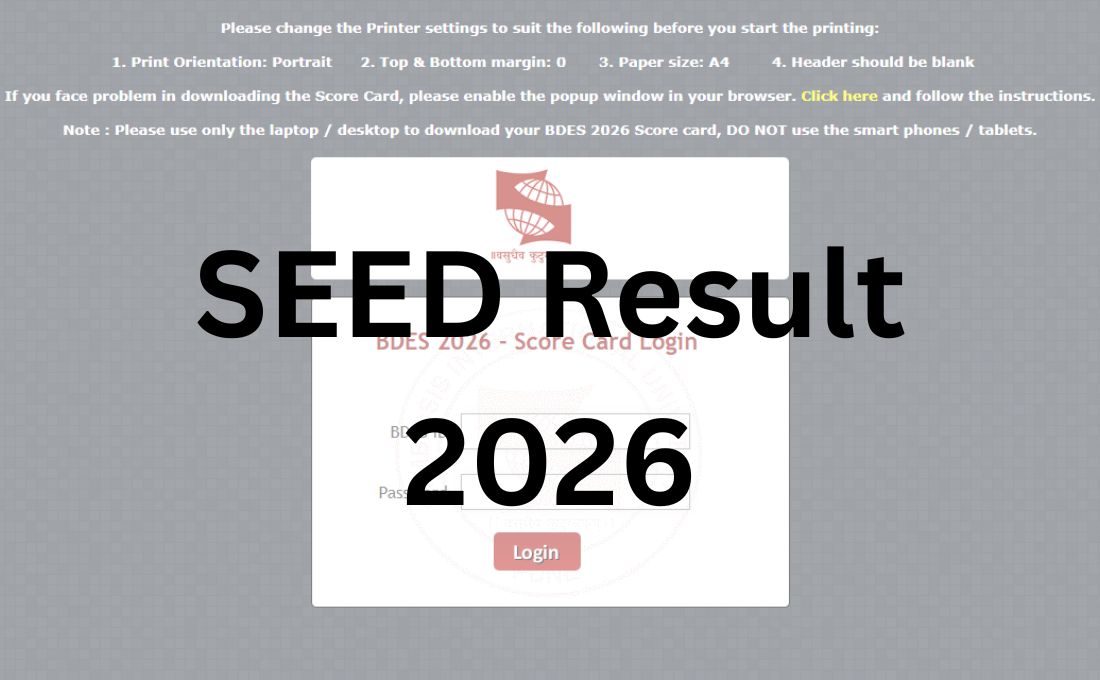
The Symbiosis Institute of Design (SID), Pune has now released the SEED Result 2026 at its official website for the Symbiosis Design Entrance Exam (SEED) 2026 on January 19, 2026. All the candidates who appeared for the SEED Exam 2026 held on January 11, 2026 can now login into the official website at www.sid.edu.in.
To access their SEED Result 2026, students need to use their BDes ID and password as the required login credential. All the candidates who have qualified their written test will be eligible and invited for the Portfolio Review and Personal Interaction (PRPI) round. It has been announced by the institute that the SEED Result 2026 for the PRPI Round will be released online on January 23, 2026.
Steps to Check SEED Result 2026
Step 1: Open the official website of the Symbiosis Institute of Design (SID), Pune at www.sid.edu.in
Step 2: On the menu bar of the home page, click on the tab for “SEED Result 2026 – Round 1”
Step 3: On clicking this link, a new window will open on the screen containing the login form for the SEED Result 2026
Step 4: Enter the “BDES ID” and “Password”
Step 5: Process the login form by clicking at “login” button
Step 6: The SEED Result 2026 will appear on the screen
Step 7: Check and save the result for later use.
SEED Result 2026 Out for BDes – Click to Check
Details Mentioned on SEED Result 2026 for BDes
As the SEED Result 2026 is now out at the official website, all the students can check and verify details like:
- Candidate’s name
- Photo
- Signature
- SID Roll Number
- Section Wise SEED Marks
- Total scores
- Percentile
- Rank
- Qualifying status
- Category, etc.