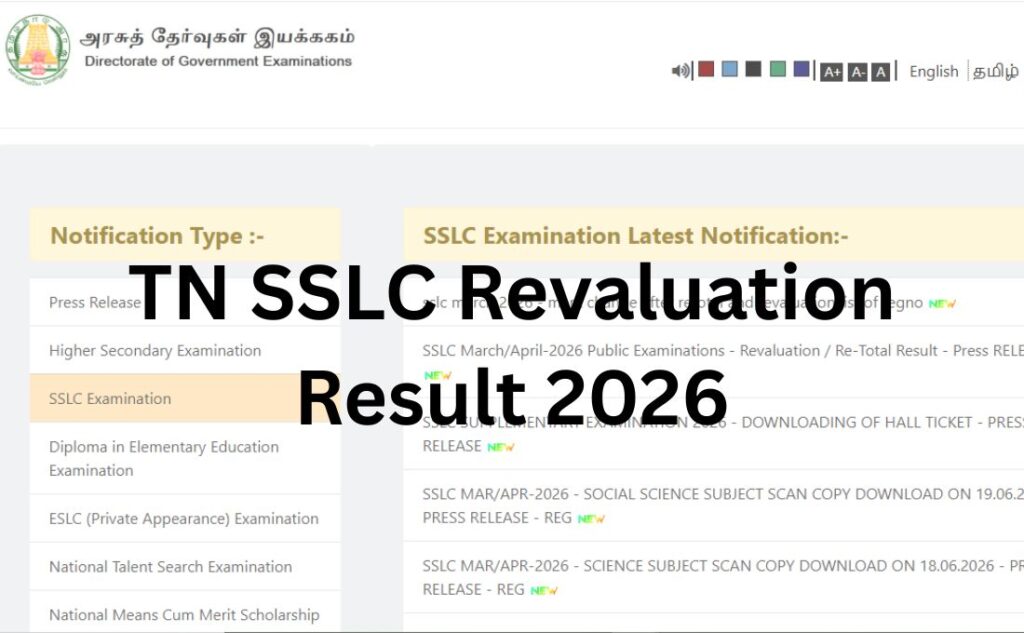

The Directorate of Government Examinations (DGE), Tamil Nadu, has released the TN SSLC Revaluation Result 2026 at its official website. All the students who applied for the TN SSLC Revaluation can now log in to the official website of the TNDGE at www.dge.tn.gov.in and access the complete list to check their changed marks.
After the release of the TN SSLC Result 2026, there were certain students who were not completely satisfied with their marks and therefore applied for the TN SSLC Revaluation. Retotal for which the form was live at the official website between June 17 and June 25, 2026. Now, the TN DGE Board has finally released the TN SSLC Revaluation Result 2026 on its official website on July 06, 2026.
Steps to Check TN SSLC Revaluation Result 2026
As the TN SSLC Revaluation Result 2026 has been released online at the official website, all the students can check and access it using the process detailed below:
Step 1: Visit the official website of the Directorate of Government Examinations (DGE), Tamil Nadu at www.dge.tn.gov.in
Step 2: On the home page of the website, click on the tab for “SSLC Examination”
Step 3: On the new window open on the screen, click on the tab for “SSLC March 2026 – Mark Change after Retotal and Revaluation List of Regno”
Step 4: On clicking this link, a complete list sharing the TN SSLC Revaluation Result 2026 will open on the screen
Step 5: Find your roll number and check the revised subject-wise marks.
TN SSLC Revaluation Result 2026 (Out) – Click to Check
Steps to Download TN SSLC Private Provisional Marksheet 2026
Along with the release of the TN SSLC Revaluation Result 2026, the board has also opened the portal to collect the TN SSLC Private Provisional Marksheet 2026. Check the steps to download the marksheet here:
Step 1: Visit the official website of the Directorate of Government Examinations (DGE), Tamil Nadu at www.dge.tn.gov.in
Step 2: On the home page of the website, click on the tab for “SSLC Examination”
Step 3: Click on the tab to download the TN SSLC Private Provisional Marksheet 2026
Step 4: On clicking the link, a new window sharing the login form will open on the screen
Step 5: Enter the “Roll Number” and “Date of Birth” in the asked sections of the login form
Step 6: Enter the “Security Captcha” and click on the “Search” tab
Step 7: The TN SSLC Private Provisional Marksheet 2026 will appear on the screen
Step 8: Check and download the TN SSLC Provisional Marksheet 2026 for later use.
TN SSLC Private Provisional Marksheet 2026 (Out) – Click to Download