
Candidates who appeared for the SSC JE 2025 Tier-1 and Tier-2 exams can now check their final result on the official website, ssc.gov.in.
Result Out for 1,731 Junior Engineer Posts
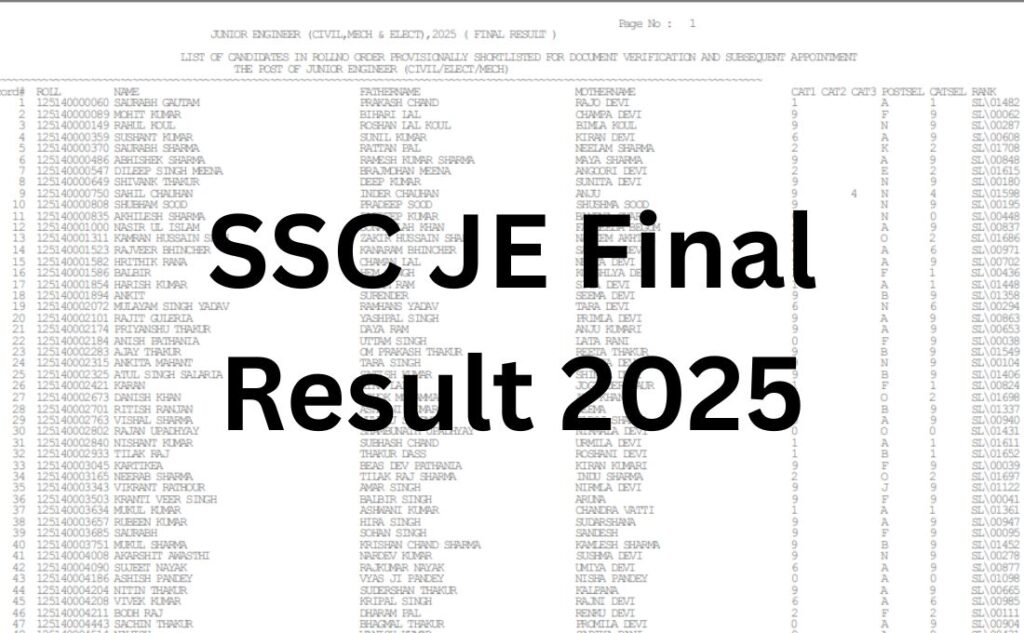
The Staff Selection Commission (SSC) has declared the SSC JE Final Result 2025 on August 3, 2026, for the Junior Engineer (Civil, Mechanical, Electrical) Examination 2025. The result covers recruitment to 1,731 Junior Engineer posts across various central government departments. Candidates who appeared in the Tier-1 and Tier-2 exams can download the official result PDF and result write-up from ssc.gov.in.
Direct Link to Check Result
Direct Link to Check SSC JE Final Result 2025
- Official website: ssc.gov.in
- Result PDF and write-up: available on the official SSC website under the “Results” section
- Login required: No (result released as a PDF list; candidates use Ctrl+F to search their roll number)
SSC JE Final Result 2025 (Out) – Click to Check
How to Check SSC JE Final Result 2025?
- Visit the official website, ssc.gov.in.
- Go to the “Results” section on the homepage.
- Click on the link for the SSC JE 2025 Final Result, dated August 3, 2026.
- Open or download the result PDF.
- Use Ctrl+F (or the search option) to look up your roll number.
- Save or print the result PDF for future reference.
Important Details Mentioned in the Result
- Roll number and name of the candidate
- Category and post applied for
- Final selection status
- Discipline (Civil/Mechanical/Electrical)
- Reference to the official result write-up for evaluation details
Key Statistics
| Item | Details |
|---|---|
| Exam | Junior Engineer (Civil, Mechanical, Electrical) Examination 2025 |
| Conducting Body | Staff Selection Commission (SSC) |
| Result Status | Declared (August 3, 2026) |
| Official Website | ssc.gov.in |
| Total Vacancies (Final) | 1,731 |
| Original Notified Vacancies | 1,340 |
| Tier-1 Exam Dates | December 3–6, 2025 |
| Tier-2 Exam Date | April 7, 2026 |
| Login Required | No |
SSC had originally notified 1,340 Junior Engineer vacancies, later revising the count upward to 1,731 posts. Final selection is based on candidates’ combined performance in the Tier-1 and Tier-2 written exams, followed by document verification and a medical examination.
What Students Should Do Next?
- Download and save the SSC JE Final Result 2025 PDF and the official result write-up.
- Search for your roll number in the PDF using Ctrl+F.
- Keep checking ssc.gov.in for updates on document verification and medical examination schedules.
- Preserve the result PDF, as it may be required at later stages of the recruitment process.
- Raise any grievance regarding the result only through the official channels or helpdesk listed on ssc.gov.in.
- Candidates awaiting category-wise cut-off marks should refer to the official cut-off notice published alongside the result.
Official Confirmation
According to the official result write-up released by the Staff Selection Commission, the SSC JE Final Result 2025 has been declared for the Junior Engineer (Civil, Mechanical, Electrical) Examination 2025, based on combined performance in Paper-I and Paper-II following review of objections against the tentative answer keys.
Conclusion
Candidates are advised to download and save a copy of the SSC JE Final Result 2025 PDF and regularly check the official SSC website, ssc.gov.in, for updates on document verification, medical examination schedules, and further recruitment formalities.